
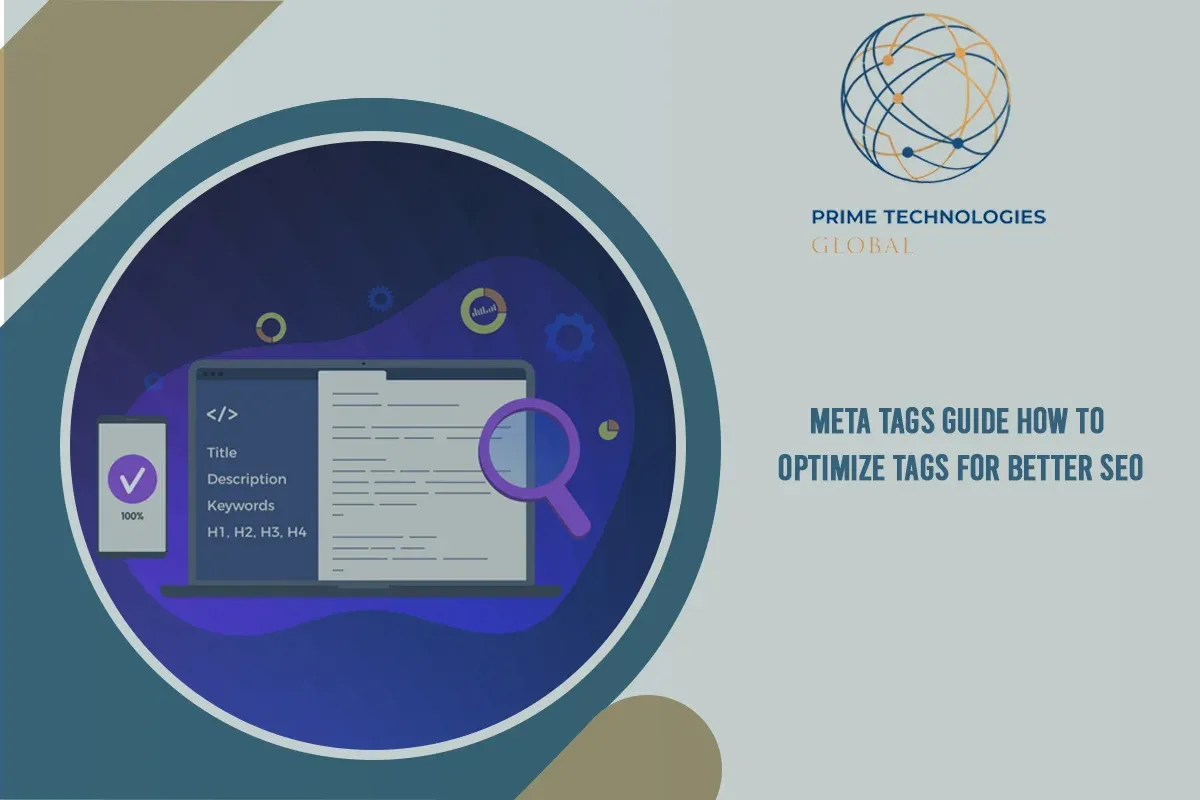
Meta Tags Guide | How to Optimize Tags for Better SEO
You spend hours perfecting a page that finally deserves to rank, then Google displays a rewritten title and a random sentence pulled from your third paragraph instead of the description you wrote. That disconnect usually traces back to one thing: neglected meta tags.
Meta tags are the small pieces of HTML code that live behind every page you build. They tell search engines what your content is about, control how it appears in the search results, and shape the preview card people see when they share your link. Get them right and you win the click before a visitor ever reaches your site. Ignore them, and even outstanding content quietly underperforms.
This guide breaks down what meta tags are, the core html meta tags every page needs, the social meta tags that control sharing previews, the mistakes that quietly cost rankings, and a repeatable process for optimizing seo metadata at scale.

What Are Meta Tags? The Fundamentals of Metadata in SEO
So, what is a meta tag? A meta tag is a snippet of HTML code placed inside a page's <head> section. Visitors never see it directly, but every crawler including Googlebot reads it on every visit. Metatags describe things a browser can't infer on its own: the page's title, its subject matter, whether it should be indexed, and how it should look when shared on X, LinkedIn, or Facebook.
Not every meta tag carries the same weight. Some, like the title tag, directly influence how a page ranks. Others, like the meta description, don't move rankings on their own but they shape click-through rate, which influences everything downstream. Google Search Central's own documentation draws this same line: a handful of meta tags function as genuine ranking signals, while most exist purely to control presentation and crawler behavior.
|
🎯 QUICK TAKE Meta tags don't fix weak content. But well-written seo meta tags help good content perform to its full potential improving crawlability, indexing, and the click-through rate that turns impressions into visitors. |
Core Meta Tags Every Website Needs for Organic Success
These five html meta tags form the backbone of on-page seo meta tags work. Miss one, and you're leaving visibility on the table.
Meta Title (Title Tag)
- Aim for roughly 50–60 characters so Google doesn't truncate it in the search results.
- Front-load your primary keyword naturally, never force it.
- A strong meta title reads like a headline a human would click, not a keyword string.
Meta Description
- Ideal length: 120–160 characters.
- Write it like ad copy: state the benefit, then close with a clear call-to-action.
- Matching the description to searcher intent a mismatch is the single biggest reason Google decides to write its own.
Viewport Tag
- Doesn't touch content, but tells the browser how to scale the page on phones and tablets.
- Missing it can quietly hurt mobile rankings, since Google indexes mobile-first.
Robots Meta Tag
- Directives like noindex, nofollow, and noarchive give page-level control over what gets crawled and indexed.
- Useful for thank-you pages, internal search results, and duplicate parameter URLs you don't want competing with your main pages.
Canonical Tag
- rel="canonical" tells search engines which version of a page is the "real" one when duplicates exist.
- Critical for ecommerce filters, print-friendly pages, and any URL that can load with multiple parameters.
|
Tag |
What It Controls |
Recommended Length |
Direct Ranking Factor? |
|
Title Tag |
Page topic & SERP headline |
50–60 characters |
Yes |
|
Meta Description |
SERP snippet & CTR |
120–160 characters |
No (indirect) |
|
Viewport |
Mobile rendering |
N/A |
Indirect (mobile UX) |
|
Robots Tag |
Crawl & index control |
N/A |
Yes |
|
Canonical Tag |
Duplicate content resolution |
N/A |
Yes |
|
📊 BY THE NUMBERS An Ahrefs study of nearly 200,000 pages found Google rewrites meta descriptions 62.78% of the time, and a separate Portent analysis of 30,000 keywords put the rewrite rate above 70% on mobile. (Verify current figures against the latest published study before publishing rewrite behavior shifts as Google's systems evolve.) |

Social & Advanced Meta Tags: Open Graph and Twitter Cards
Seo metadata isn't only for search engines. Open Graph (OG) tags og:title, og:description, og:image, and og:url control how your link looks when shared on Facebook and LinkedIn. Twitter Cards (twitter:card, twitter:site) do the same job for X. Without them, a shared link often shows a blank thumbnail or a randomly pulled image, which quietly kills social click-through rate.
Structured data, or Schema.org markup, works alongside these meta tags rather than replacing them. Where meta tags describe the page, structured data describes the content within it enabling rich snippets like star ratings, FAQ dropdowns, and recipe cards in the search results.
|
💡 PRO TIP Set a dedicated og:image sized at 1200×630px for every important page. Social platform case studies consistently show a real, branded image card earns more clicks and shares than a plain text link. |
Critical Meta Tag Mistakes That Harm Your Search Rankings
Here's the catch: most metadata problems aren't dramatic; they're small, repeated oversights that add up across a whole site.
- Keyword stuffing. Cramming a title tag with "meta tags, meta tags for seo, best meta tags" repeated back-to-back doesn't fool anyone, least of all Google's spam systems. It usually gets your title rewritten anyway.
- Duplicate meta tags. Reusing the same title and description across dozens of pages confuses crawlers about which page should rank for what. A Semrush audit of 100,000 websites and 450 million pages found duplicate title tags on 35% of sites and duplicate meta descriptions on 30% making it one of the most common technical SEO issues around.
- Using outdated tags. The meta keywords tag is a relic. Google has confirmed publicly that it's ignored entirely for ranking purposes, so time spent meta tagging seo pages with a keywords list is wasted effort.
- Character truncation. Going over the recommended length means Google chops your title or description mid-sentence, often cutting off the exact selling point meant to earn the click.

Step-by-Step Optimization Process for Scaling Meta Tags
Why does this matter at scale? Because most sites don't have one page with weak seo meta tags they have thousands. Here's how to use meta tags for seo systematically, instead of fixing pages one at a time.
- Audit existing tags. Run Screaming Frog, Google Search Console, or Ahrefs to flag missing, duplicate, or truncated tags across the whole site.
- Map primary and secondary keywords. Match search intent informational, commercial, or transactional to each page's title and description.
- Formulate high-CTR copy. Combine the focus keyword with a real value proposition: a number, a timeframe, or a bracketed callout like [2026 Guide].
- Implement and monitor. Push updates through your CMS WordPress, Shopify, and Webflow all support direct meta tag editing then track CTR shifts in Google Search Console over the following weeks.

|
✅ ACTION STEP Before your next content sprint, pull a Search Console export of your ten highest-impression, lowest-CTR pages. Rewriting just those titles and descriptions is usually the single highest-leverage meta tag optimization task on the list. |
Conclusion
Meta tags will never replace strong content, but they decide how much of that content's value actually reaches a human being. A precise meta title earns the click. A compelling meta description closes it. Clean robots and canonical tags keep your best pages from competing with themselves. None of this is complicated; it just takes the same discipline you'd apply to any other part of the site: audit it, fix it, and revisit it as your content grows.
Ready to put a real system behind your metadata instead of guessing page by page? Prime Technologies Global builds and manages technical SEO programs including meta tag audits, on-page rewrites, and ongoing CTR monitoring for sites that are ready to stop leaving clicks on the table. Visit Prime Technologies Global today to request a free metadata audit and see exactly where your site is losing traffic.
Frequently Asked Questions
What is a meta tag with an example?
A meta tag is an HTML snippet in a page's <head> section that describes the page to search engines and browsers. Example: <meta name="description" content="Learn what meta tags are and how to optimize them for SEO.">. That single line controls the description Google may display under your title in the search results.
Are meta tags still useful?
Yes. While the old meta keywords tag lost its influence years ago, the title tag, meta description, robots tag, canonical tag, and viewport tag remain essential. They affect indexing, mobile rendering, duplicate content handling, and click-through rate, all real factors in how a page performs.
Where can I find meta tags on a website?
Right-click any webpage and select "View Page Source" (or press Ctrl+U on Windows, Cmd+Option+U on Mac), then look inside the <head> section near the top of the code. Browser developer tools, like Chrome DevTools' Elements panel, also display them without digging through raw HTML.
Does Google still use meta tags?
Google still reads and uses several meta tags including title, robots, and canonical as functional signals for indexing and ranking. It largely ignores the meta keywords tag, and it frequently rewrites meta descriptions when it decides a different snippet will better match the search query.