

Core Web Vitals: Ultimate 2026 SEO & Page Experience Guide
A single second of latency in page load time can plummet conversion rates by up to 20%, driving prospective buyers straight to your competitors. In modern search engine optimization, technical speed is no longer just a technical luxury, it is an operational requirement. Google’s page experience signals have evolved from a minor tie-breaker into a core benchmark for organic visibility and user retention.
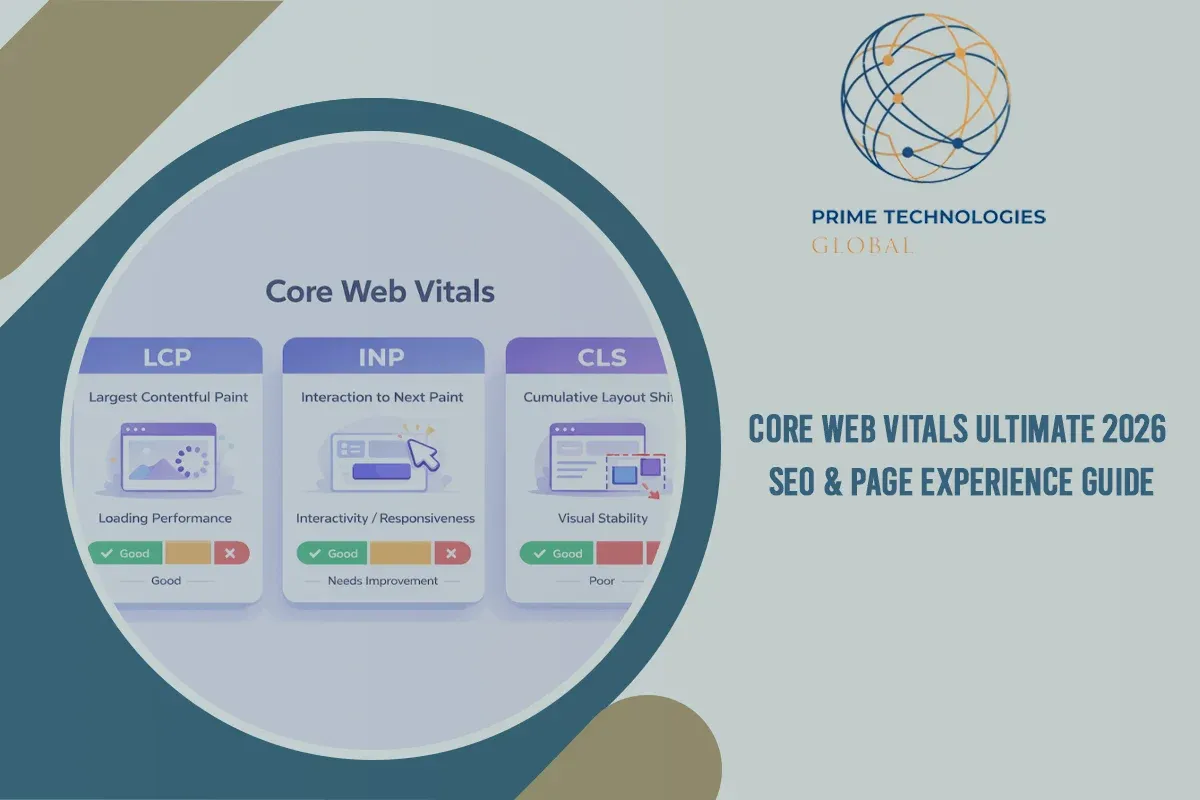
This definitive core web vitals guide breaks down the three foundational core web vitals metricsLargest Contentful Paint (LCP), Interaction to Next Paint (INP), and Cumulative Layout Shift (CLS). You will learn how these metrics directly dictate your search rankings and revenue, how to measure core web vitals accurately using real-user field data, and actionable technical fixes to optimize for core web vitals and consistently pass Google's performance thresholds.
What are the Core Web Vitals?
Core Web Vitals (CWV) are a standardized set of real-world, user-centric metrics established by core web vitals google guidelines to evaluate page speed, interactivity, and visual stability. Rather than assessing hypothetical code execution speed in a vacuum, web vitals quantify how actual human visitors experience a webpage during its lifecycle.
To accurately analyze performance, it is crucial to understand the distinction between two primary data sources:
- Field Data (Chrome User Experience Report / CrUX): Real-world performance data collected anonymously from opted-in Chrome users across diverse network speeds, hardware specifications, and locations. Google relies exclusively on field data for its core web vitals ranking factor evaluations.
- Lab Data (Lighthouse / Simulated Testing): Synthetic data generated within controlled environment parameters. Lab data is essential for local debugging, developer troubleshooting, and testing unreleased code, but it cannot directly impact your Google rankings.

The Three Core Metrics: LCP, INP, and CLS
Largest Contentful Paint (LCP) Loading Speed
LCP measures how long it takes for the largest above-the-fold content element (such as a primary hero image, featured video banner, or dominant heading text block) to render completely in the viewport.
Interaction to Next Paint (INP) Responsiveness
INP measures overall page interface responsiveness by capturing the execution latency of all click, tap, and keyboard interactions throughout a user’s session. Note: INP officially replaced First Input Delay (FID) to provide a holistic view of runtime interactivity.
Cumulative Layout Shift (CLS) Visual Stability
CLS quantifies unexpected layout instability occurring as resources load dynamically without predefined height and width dimensions, causing visible page content to jump unexpectedly.
Google evaluates core web vitals metrics lcp, inp, cls at the 75th percentile of page loads across mobile and desktop experiences separately. The table below illustrates the official performance thresholds:
|
Core Web Vital Metric |
Good (Target) |
Needs Improvement |
Poor
|
|---|---|---|---|
|
LCP (Largest Contentful Paint) |
≤ 2.5 seconds |
2.5s - 4.0s |
> 4.0 seconds |
|
INP (Interaction to Next Paint) |
≤ 200 milliseconds |
200ms - 500ms |
> 500 milliseconds |
|
CLS (Cumulative Layout Shift) |
≤ 0.1 |
0.1 - 0.25 |
> 0.25 |

Why Are the Core Web Vitals Important?
Building an effective core web vitals strategy requires understanding that performance directly fuels commercial success. When website performance suffers, user engagement drops sharply across every step of your conversion funnel.
- User Engagement & Bounce Rates: Pages with unpredictable visual shifts or slow loading speeds frustrate users immediately. According to official Google research, visitors are 24% less likely to abandon a page load if the URL meets all Core Web Vitals thresholds.
- Direct Conversion Rate Impact: Milliseconds correlate directly with revenue. Leading eCommerce studies demonstrate that optimizing page speed yields measurable improvements in cart completion, lead submission rates, and average order value.
- Mobile-First Imperative: Mobile visitors often contend with CPU limitations and variable wireless networks. Because Google indexation operates under a mobile-first model, unoptimized mobile web core vitals seo can severely limit organic reach.
How do the Core Web Vitals affect SEO?
Integrating core web vitals seo into your search roadmap is vital for sustainable organic performance. Google explicitly includes Core Web Vitals as a component of its Page Experience ranking signals alongside HTTPS security, mobile usability, and non-intrusive interstitial standards.
- The Search Tie-Breaker Factor: While high-quality, intent-matching content remains paramount, seo core web vitals function as a critical tie-breaker when multiple pages offer comparable content depth and backlink authority.
- Crawl Budget & Indexing Efficiency: High server response times (measured via Time to First Byte / TTFB) delay search crawler requests. Optimizing backend processing frees up crawl budget, enabling search engine spiders to index new and updated pages faster.
- Competitive Advantage in Search: Independent industry studies from core web vitals ahrefs and SEO research bodies show that passing all three CWV metrics correlates with higher average domain rankings and improved click-through stability.
How to Check Your Site’s Core Web Vitals Performance
To execute a thorough core web vitals test, engineers and marketers must combine real-world field intelligence with controlled lab diagnostics using the top core web vitals tools available:
Google Search Console (Core Web Vitals Report)
The starting point for any site-wide audit. GSC automatically aggregates your entire URL index into "Good," "Needs Improvement," or "Poor" status buckets based on actual CrUX field performance.
PageSpeed Insights (PSI)
A versatile core web vitals checker that renders live real-user field data alongside simulated Lighthouse lab diagnostics, providing specific technical recommendations for individual URLs.
Chrome DevTools (Performance & Lighthouse Panels)
Essential for developer debugging. DevTools allows you to throttle CPU speed, track long-running JavaScript tasks impacting INP, and visually highlight CLS shift regions frame-by-frame.
WebPageTest & GTmetrix
Advanced synthetic diagnostic platforms providing detailed waterfall charts, global multi-location network testing, and side-by-side filmstrip playback.
How to Improve Core Web Vitals
Learning how to improve core web vitals requires targeted code and infrastructure enhancements tailored to each metric. Follow these proven core web vitals best practices:
1. Optimizing Largest Contentful Paint (LCP)
- Compress & Convert Images: Convert legacy PNG/JPEG images into modern WebP or AVIF formats, and implement responsive image sizing using srcset.
- Preload Critical Hero Elements: Insert <link rel="preload" as="image"> tags into your document header for above-the-fold hero images or main fonts.
- Reduce Server Response Time (TTFB): Utilize robust server-side page caching, optimize database queries, and route traffic through a Content Delivery Network (CDN).
- Eliminate Render-Blocking Resources: Inline critical CSS inline and defer non-essential JavaScript assets using defer or async attributes.
2. Optimizing Interaction to Next Paint (INP)
- Break Up Long JavaScript Tasks: Split heavy main-thread tasks exceeding 50ms into smaller asynchronous execution chunks using requestIdleCallback() or setTimeout().
- Minify and Defer Unnecessary Scripts: Audit third-party tracking pixels, live chat tools, and marketing scripts to ensure non-essential JavaScript executes after core interactions complete.
- Minimize DOM Size & Layout Complexity: Keep your DOM tree lean to reduce style calculation overhead when users click or type.
3. Optimizing Cumulative Layout Shift (CLS)
- Set Explicit Dimensions: Always declare explicit width and height attributes on <img> and <iframe> tags.
- Reserve Space for Dynamic Elements: Use CSS min-height placeholder containers for dynamically injected ad slots or notification banners.
- Optimize Font Loading: Apply font-display: swap or preload key custom web fonts to prevent invisible text flashing (FOIT) and subsequent layout shifts.
Conclusion
Core Web Vitals are no longer an optional technical exercise; they directly dictate search engine visibility, organic traffic retention, and overall customer conversion rates. Sustained organic search growth requires continuous monitoring, efficient frontend architecture, and proactive engineering.
Struggling to pass Google's Core Web Vitals audit? Accelerating your website requires more than basic plugins; it demands specialized technical expertise. Partner with Prime Technologies Global to audit your infrastructure, optimize your web development, and deliver lightning-fast digital experiences that outrank the competition. Reach out to the technical team at Prime Technologies Global today to supercharge your site's speed and SEO.
Frequently Asked Questions
Are Core Web Vitals still relevant?
Yes, Core Web Vitals remain highly relevant. Google continuously updates and refines these metrics such as replacing FID with INP in March 2024to reflect modern web user expectations and maintain a core ranking signal for user experience.
What is CLS and LCP?
LCP (Largest Contentful Paint) measures page loading speed by timing when the primary visible content renders above the fold. CLS (Cumulative Layout Shift) measures visual stability by tracking unexpected layout jumps during the user session.
What does Google's Core Web Vitals assessment measure?
Google's Core Web Vitals assessment measures real-world user experience across three essential dimensions: loading performance (LCP), user responsiveness (INP), and visual stability (CLS) based on real Chrome user data (CrUX) at the 75th percentile of page visits.
How to pass the Core Web Vitals assessment?
To pass the Core Web Vitals assessment, at least 75% of your page visits over a rolling 28-day period must achieve "Good" status across all three metrics: LCP ≤ 2.5 seconds, INP ≤ 200 milliseconds, and CLS ≤ 0.1.